





































Double the Sound: Windows 11’s New Shared Audio Feature Lets You Connect Two Bluetooth Devices at Once
Windows 11 introduces a new “Shared Audio” feature that allows the streaming of audio to two Bluetooth devices at the same time. Here's how you can do it currently.

A New Era of Audio Sharing
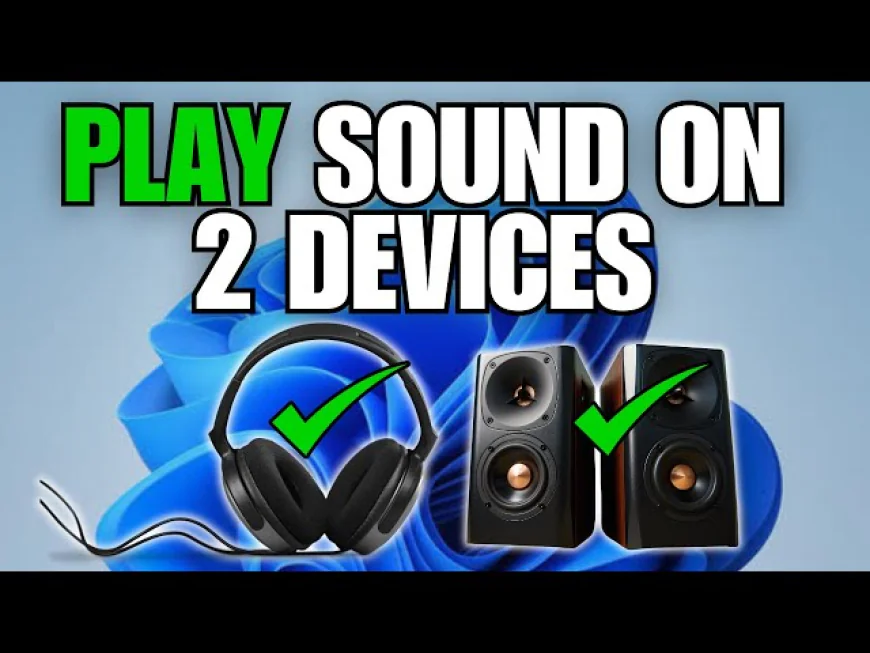
Microsoft is taking multitasking to a new level of fun with Shared Audio, a totally new feature in Windows 11. With this invention and the help of Bluetooth technology, a couple of headphones or two wireless speakers can receive the same sound simultaneously. The earbuds of a friend doesn’t have to be passed from hand to hand — thus two people can now listen to the same music, movie, or podcast wirelessly and without any time lag.
What Makes It Work
This accomplishment is brought about through Bluetooth LE Audio, a new standard that aims at energy-saving and sound-quality improvements in the field of wireless audio transmission. Bluetooth LE Audio allows a single device to send audio to multiple receivers while latency remains low and battery consumption is still very efficient. To achieve this, the computer and the Bluetooth devices must be LE Audio technology-compliant - a feat that is gradually being achieved by newly released gadgets.

Who Can Try It Right Now
Currently, the Shared Audio feature can be previewed only on a limited number of Copilot+ laptops, e.g., the fresh models of Surface Laptop and Surface Pro powered by Snapdragon X chips. People participating in the Windows Insider Program are those who theoretically will be able to test this function. Users in Dev or Beta Channels may access the feature after they upgraded to the Build 26220.7051 or later. This introduction is a part of Microsoft's strategy for a future of devices powered by AI and connected in seamless ways.
How to Enable the Feature
Coming to the rescue with a surprisingly effortless way is this feature’s activation. Firstly, be sure the Bluetooth devices you intend to use support LE Audio. Next, open Setting → Bluetooth & Devices and pair both gadgets with your computer. After successful connection, open the Quick Settings menu on your taskbar. A new tile called Shared Audio (Preview) is what you will greet there — just click it, highlight the two devices that you want to use, and then play the audio. The sharing can be ceased by clicking that same tile again.
Why It’s a Game-Changer
This function unveils many joyful futures of sharing entertainment. For example, if you are on a plane, the film can be watched together even though everyone has their own headphones; or if you are a couple, both of you can listen to the same music quietly. There isn’t any need for inconvenient splitter cables or third-party software anymore, as the experience is built-in directly into Windows which makes it very effortless. Moreover, professionals might find it a suitable way to play collaborative work that requires listening to audio.
Final Thoughts
Although the Shared Audio feature is still under development, it is a move towards improving the social aspect of Windows 11 and making it more user-friendly. As the number of Bluetooth LE Audio enabled devices increases, this feature will probably not exist as a niche anymore, but rather as a standard – thus the wireless sound industry will experience convenience, innovation, and even a bit of communal happiness.