



























Microsoft's Copilot 3D Lets You Turn Any Photo Into 3D Models Backed by No Skills
Microsoft's Copilot 3D feature, part of Copilot Labs, makes it easy (and free for now) to turn simple 2D photos into 3D models in GLB format that can be printed, used for game design, and more. Just upload any photo you want and you are good to go.

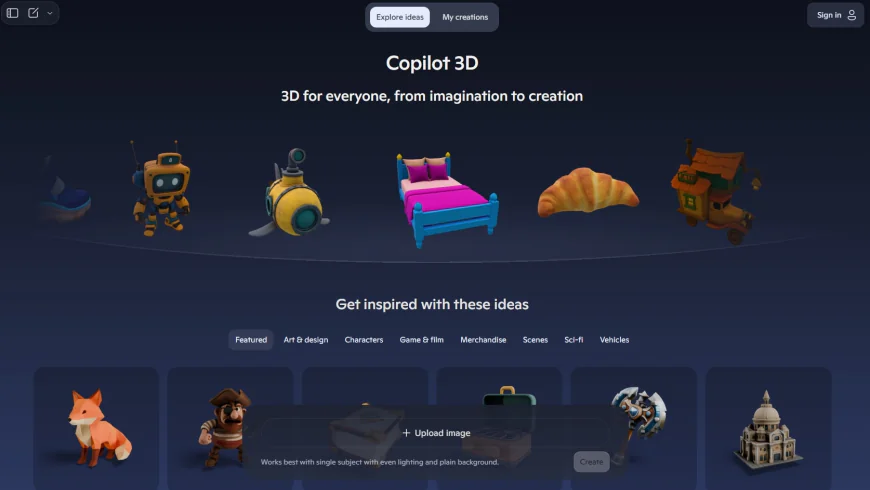
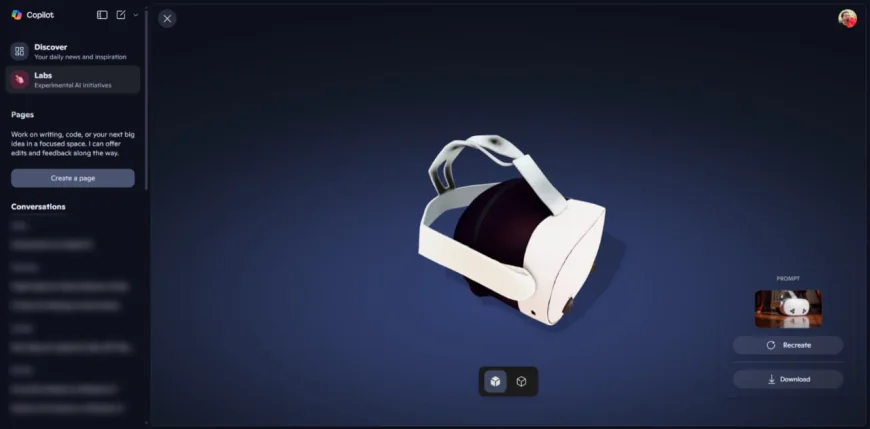
Microsoft Introduces Copilot 3D: Create 3D Models From Photos
As part of its Copilot Labs initiative, Microsoft has released an exciting new AI-powered tool called Copilot 3D that lets you quickly convert your everyday photos into three dimensional models.
Creative Accessibility for All
Copilot 3D, which is part of Microsoft's experimental Copilot Labs initiative, is free to use—the experimental tool does not require a subscription—but you’ll need a personal Microsoft Account. This feature is being rolled out globally to a limited subset of users, so as long as you have access to Microsoft Copilot Labs, you should be able to use it.
Easy to Use (No 3D Experience Needed!)
To use Copilot 3D, just go to copilot.com on a desktop web browser and navigate to the Labs area of the website, and find Copilot 3D, and just click "Try now". Then upload a JPG or PNG image (under 10MB) with a clear background or subject - lighting helps as well - and let the AI do its thing. After a few seconds to a minute, you will get a downloadable GLB 3D model to your "My Creations" area, and it will be live for 28 days.
Great for Objects, not Living Things
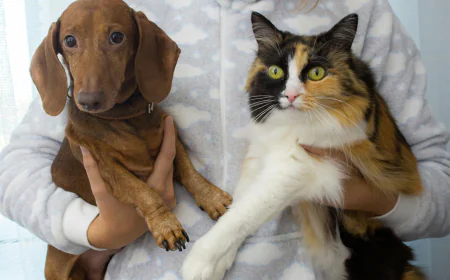
Copilot 3D can create 3D models of inanimate objects like Ikea furniture, bananas, or an umbrella very well. However, it does not work well on living subjects - like pets and people - producing strange, inaccurate results.
Safe and Responsible by Design
Microsoft has built in safeguards to prevent misuse, so it may prevent you from uploading an image of a public figure, copyrighted material or the image of someone else without their consent. They emphasize that you should only upload your own images, or that you have rights to. If you upload a restricted image(s), you may also find you are limited or have issues with your account.
Why This Is Important
In the past, creating 3D models - whether animation or 3D printing - meant ripping your hair out working with very complex software that often took over an hour to set up; even easier tools like Blender or TinkerCAD were daunting for novice consumers. With Copilot 3D, MS is essentially democratizing 3D design. Now, students, hobbyists, educators, and creators of all kinds can click a follow and bring their idea into 3D space with a few easy taps on the keyboard.
Putting in Accessible Language
Let's say you take a clear photograph of a simple object - a toy, a chair, or a fruit, and upload that photograph into this tool. You could have an actual usable 3D model in read-time, and then you could either 3D-print it, drop it into a game, or use it in AR/VR in under a minute - and all doing this without learning technical hacks.